Cody's Custom Discord Title Request
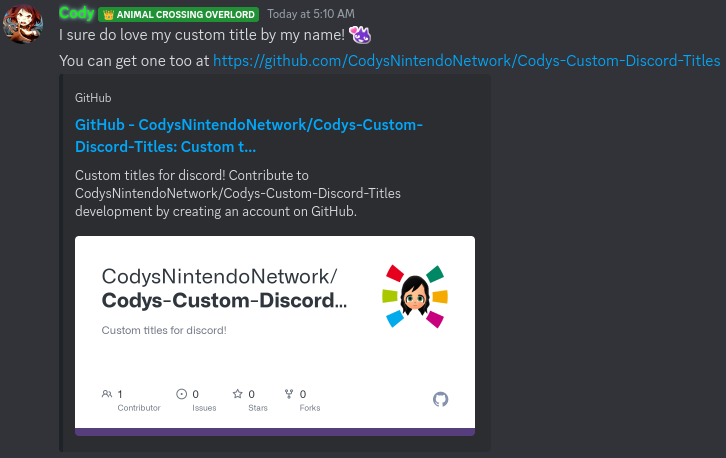
Welcome to Cody's Custom Discord Title Request page! With this userstyle, you can add a custom title by your name in Discord. Simply fill out the form below and submit your request to get your account added to the style.
Installation Steps for Discord Web:
1.
Install the Stylus extension for your browser (Chrome, Firefox, or Opera).
2.
Click the following link to install the custom title userstyle: Install Cody's Custom Discord Title Userstyle.
3.
That's it! You're done. You can now enjoy your custom Discord title. You can check for updates or manage the userstyle from within the Stylus extension.
Installation Steps for modded Discord desktop app:
1.
Copy
@import url('https://codysnintendonetwork.github.io/Codys-Custom-Discord-Titles/style/db.css'); and paste it into css editor of your modded client.
2.
Reload the app, and the titles should now show up.